


How to Migrate a HubSpot Website to WordPress Without Losing SEO Rankings
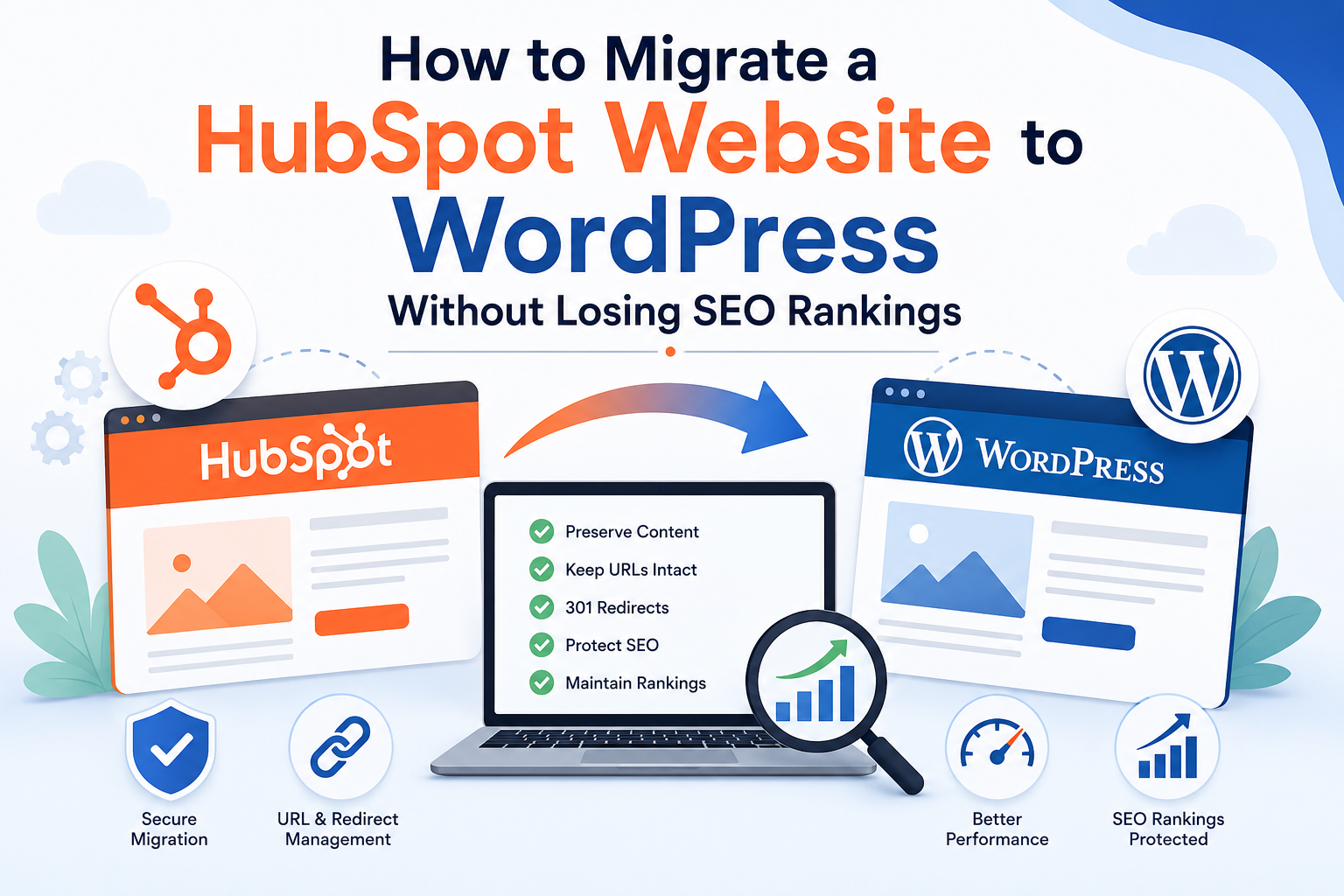
A HubSpot to WordPress migration is a major decision, and for most businesses, the biggest concern isn't the move itself, it's what happens to their search rankings afterward. Years of content, backlinks, and organic traffic can be put at risk if a website migration isn't handled carefully. The good news is that with the right SEO migration strategy, you can move your entire site from HubSpot's CMS to WordPress while keeping your rankings intact, or even improving them over time.
This guide breaks down exactly how to approach a HubSpot to WordPress migration with SEO preservation as the top priority, from pre-migration planning through post-launch monitoring.
Why SEO Risk Is the Top Concern in Any CMS Migration
Search engines index your website based on URLs, content structure, internal links, and technical signals. When you shift from HubSpot's CMS to WordPress, all of these elements change at once. Without a deliberate website migration strategy, this can lead to broken links, duplicate content, lost metadata, and a temporary or even long-term drop in rankings.
Understanding this risk upfront is what separates a smooth CMS migration from a chaotic one. The businesses that protect their rankings are the ones that treat SEO as a core part of the migration plan, not an afterthought handled after launch.
Pre-Migration Planning: The Foundation of a Safe Move
Conduct a Full Content and URL Audit
Before touching anything, create a complete inventory of your existing HubSpot website. List every page, blog post, and landing page, along with its current URL, meta title, meta description, and any ranking keywords it targets. This audit becomes your website migration checklist and the reference point for everything that follows.
Identify Your Top-Performing Pages
Use analytics and search console data to identify which pages drive the most organic traffic and conversions. These high-value pages need extra attention during migration, since even small errors here can have an outsized impact on your overall SEO performance.
Map Old URLs to New URLs
One of the most important steps in any website migration is deciding what your new WordPress URL structure will look like and mapping every old HubSpot URL to its new equivalent. Wherever possible, keep URL structures consistent to minimize disruption. Where changes are unavoidable, document them clearly for the redirect phase.
Decide on Your Migration Approach
Some businesses manage the technical side of a CMS migration internally, while others bring in outside support. If your website is large or includes custom functionality, working with a HubSpot website agency can help ensure nothing gets overlooked, since these teams are familiar with the platform's export limitations and common migration pitfalls. If your new WordPress site needs custom features, forms, or design elements rebuilt from scratch, custom WordPress development services can ensure the finished site matches or improves on what you had before.
Step-by-Step Migration Process
Step 1: Build Your WordPress Site on Staging
Set up WordPress on a staging environment so you can build and test your new site without affecting your live HubSpot pages. Install your theme, essential plugins, and core site structure here first.
Step 2: Export and Organize HubSpot Content
Export your blog posts, pages, and available content from HubSpot. Depending on your subscription, some content may need to be extracted manually. Organize everything according to the content audit you completed earlier so nothing gets missed during import.
Step 3: Rebuild Pages and Preserve On-Page SEO Elements
As you recreate pages in WordPress, carry over every SEO element: title tags, meta descriptions, header structure, image alt text, and internal links. An SEO plugin such as Yoast SEO or Rank Math can help you manage this consistently across the site.
Step 4: Recreate Landing Pages and Forms
HubSpot's landing pages and forms are built using its own editor and modules, so they need to be rebuilt in WordPress using page builders or custom development. This is often where custom WordPress development services add the most value, ensuring rebuilt pages retain both their design and their conversion functionality.
Step 5: Implement 301 Redirects for Every URL
This is the single most important technical step for protecting your SEO rankings. Every old HubSpot URL should redirect to its corresponding new WordPress URL using a 301 redirect. Missing or incorrect redirects are one of the leading causes of ranking loss after a website migration.
Step 6: Update Internal Linking
Once your new site structure is in place, update internal links throughout your content to point directly to new URLs rather than relying solely on redirects. This improves crawl efficiency and helps search engines understand your new site architecture faster.
Step 7: Reconnect Forms, CRM, and Marketing Tools
If you're keeping HubSpot for CRM and marketing automation while moving only the CMS, reconnect your WordPress forms using official integrations. This allows lead capture and nurturing workflows to continue functioning without interruption.
Step 8: Test Everything Before Going Live
Before launch, thoroughly test every page, redirect, form, and link on staging. Check site speed, mobile responsiveness, and confirm that structured data and metadata have carried over correctly. Catching errors here prevents SEO issues after launch.
Step 9: Launch and Monitor Rankings Closely
After launch, submit your updated XML sitemap to Google Search Console and monitor indexing status, crawl errors, and keyword rankings closely for the first several weeks. Some fluctuation is normal immediately after a CMS migration, but consistent drops usually point to a redirect or metadata issue that needs to be fixed quickly.
Common Mistakes That Hurt Rankings During Migration
Even experienced teams can run into trouble during a HubSpot to WordPress migration. The most common mistakes include skipping redirects for low-traffic pages, changing URL structures unnecessarily, losing metadata during content transfer, and failing to update internal links. Partnering with a HubSpot website agency or a team experienced in custom WordPress development services can help you avoid these pitfalls, since they've typically seen these issues play out on other projects.
Frequently Asked Questions
Q. Is it normal for rankings to dip after migration?
A. A small, temporary dip is common as search engines re-crawl and re-index your site. Significant or prolonged drops usually indicate a technical issue, such as missing redirects.
Q. How long should I monitor performance after launch?
A. Keep a close eye on rankings, traffic, and indexing for at least four to eight weeks after launch to catch and resolve any issues early.
Q. Can I migrate without losing any rankings at all?
A. While some minor fluctuation is nearly unavoidable, a well-planned website migration with proper redirects, preserved metadata, and consistent internal linking can protect the vast majority of your existing SEO value.
Final Thoughts
Migrating a HubSpot website to WordPress doesn't have to come at the cost of your search rankings. With careful planning, a detailed website migration checklist, and disciplined execution of redirects and metadata, you can move to WordPress while protecting the SEO performance you've worked hard to build. Whether you manage the process in-house or bring in a HubSpot website agency and custom WordPress development services for the more technical pieces, the priority stays the same: a seamless transition that sets your website up for stronger performance and greater flexibility going forward.
Looking for the right Shopify partner for your eCommerce business? Learn how to evaluate expertise, technical capabilities, portfolio, pricing, and ongoing support before choosing an agency.
Read More :
How to Choose the Best Shopify Partner Agency ?

 Arabic
 French
 Spanish
 Portuguese
 Deutsch
 Turkish
 Dutch
Dutch
 Italiano
 Russian
 Romaian
 Portuguese (Brazil)
 Greek
Greek