


Speed Up Your System with Desktop Memory
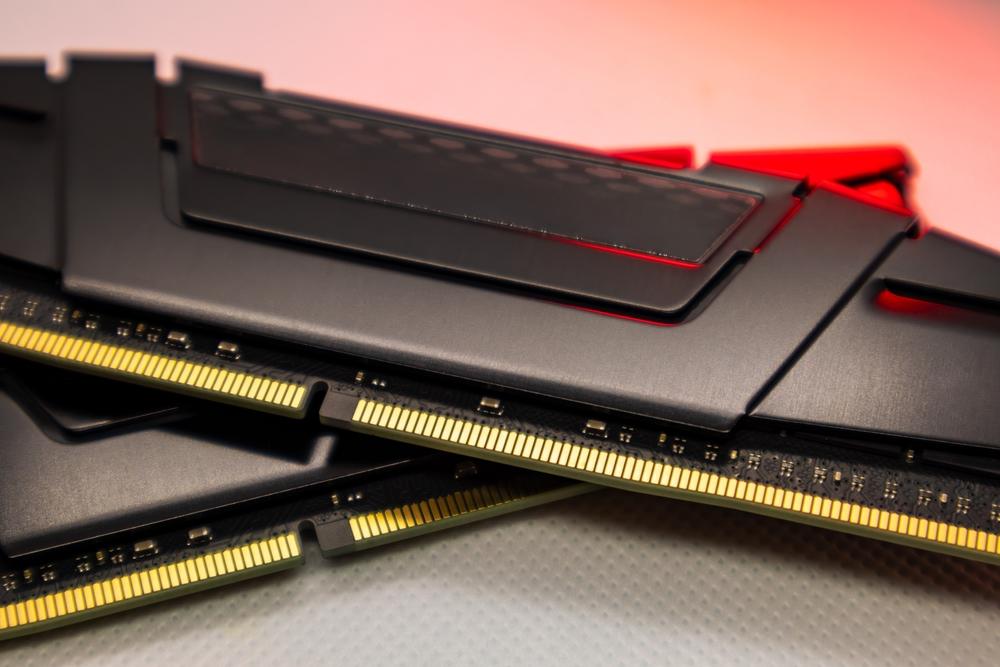
Desktop memory, commonly referred to as RAM (Random Access Memory), is one of the most critical components inside a computer. It temporarily stores the data that your system is actively using, allowing your processor to access information quickly. Without enough memory, even the most powerful processor would struggle to perform efficiently. Whether you are browsing the web, editing videos, or running multiple applications, desktop memory directly impacts how fast and smoothly your computer operates.
How Desktop Memory Affects Performance
The more applications you run at the same time, the more memory your system needs. If desktop memory is limited, the computer starts using slower storage methods to compensate, which results in lag, freezing, or long loading times. Upgrading memory can significantly improve speed, reduce delays, and enhance your experience, especially when working with large files or demanding software such as graphic design tools and modern games.
Types of Desktop Memory
Modern systems usually support DDR4 or DDR5 memory types. DDR5 is newer and offers higher speeds and better power efficiency, while DDR4 remains widely compatible and more affordable. Choosing the correct type depends on your motherboard’s compatibility and your specific performance needs. Speed, measured in MHz, and capacity, measured in GB, also play important roles when selecting the right desktop memory.
Choosing the Right Desktop Memory
When selecting desktop memory, always consider the purpose of your computer. For basic tasks like web browsing and document editing, lower capacity memory can be enough. However, for gaming, content creation, or professional workloads, higher capacity and faster speeds are recommended. It is also important to ensure that the memory you choose is compatible with your motherboard and processor to avoid installation or performance issues.
Final Thoughts
Desktop memory upgrades are among the simplest and most effective ways to boost system performance. With the right memory configuration, users can enjoy faster load times, smoother multitasking, and a more responsive computer overall. Investing in quality desktop memory ensures that your system stays capable, efficient, and ready for future demands.

 English
 Arabic
 Spanish
 Portuguese
 Deutsch
 Turkish
 Dutch
Dutch
 Italiano
 Russian
 Romaian
 Portuguese (Brazil)
 Greek
Greek