


How to Use Code Alt Symbols: A Guide to Keyboard Shortcuts
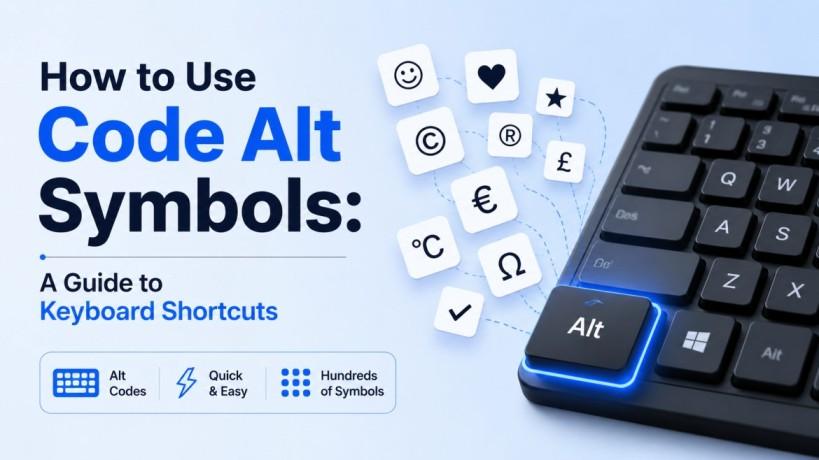
Have you ever found yourself needing to type a symbol that isn't on your keyboard? Whether it’s a trademark sign, a mathematical operator, or a simple heart, the solution lies in code alt combinations. These shortcuts allow users to access a vast library of characters by holding down a specific key and typing a sequence of numbers.
Understanding how to leverage these tools can significantly speed up your workflow, whether you are writing technical documentation, designing a website, or just sending a creative message.
What Are Code Alt Symbols?
At its core, a code alt sequence (often called Alt codes) is a way to tell your computer to display a character from the ASCII or Unicode set that doesn't have a dedicated physical key. This system has been a staple of the Windows operating system for decades.
By utilizing the numeric keypad, you can unlock hundreds of hidden glyphs. For instance, holding the Alt key and typing 0153 instantly generates the ™ symbol. This is much faster than searching through a menu in a word processor.
Why Use These Shortcuts?
-
Efficiency: No need to break your flow by opening a "Symbols" menu.
-
Consistency: These codes work across almost all Windows applications, from Notepad to professional IDEs.
-
Professionalism: Easily add currency symbols like € (Alt + 0128) or £ (Alt + 0163) to your business reports.
How to Input a Code Alt Properly
Using these codes requires a specific technique. If you try to use the numbers at the top of your keyboard, it likely won't work.
Check the Num Lock:
Ensure your Num Lock is turned on. The numeric keypad on the right side of your keyboard must be active for the codes to register.
Hold the Alt Key:
Hold down the Alt key located on the left side of your spacebar. Keep it held down throughout the process.
Type the Numeric Sequence:
Type the specific code alt number sequence using only the numeric keypad. For example, type 1 then 6 then 7.
Release the Alt Key:
Once you let go of the Alt key, the symbol (in this case, º) will appear exactly where your cursor is located.
Essential Code Alt Cheat Sheet
While there are thousands of characters available, a few are used more frequently in professional and creative writing. Keeping a list of these common code alt shortcuts can save you hours of searching.
Common Symbols for Professionals
|
Symbol |
Meaning |
Code Alt Sequence |
|
© |
Copyright |
Alt + 0169 |
|
® |
Registered |
Alt + 0174 |
|
° |
Degree Sign |
Alt + 0176 |
|
± |
Plus-Minus |
Alt + 0177 |
|
÷ |
Division |
Alt + 0247 |
Mathematical and Science Glyphs
If you are working on educational content or technical specs, you might need more complex characters. Using a code alt for these ensures they render correctly in plain text environments.
-
Square Root (√): Alt + 251
-
Infinity (∞): Alt + 236
-
Pi (π): Alt + 227
Troubleshooting Code Alt Issues
Sometimes, typing a code alt doesn't produce the result you expect. This usually boils down to a few common settings on your PC.
The Laptop Problem
A dedicated hardware number keypad is sometimes absent from contemporary laptops. To use a code alt on these devices, you often have to hold a "Fn" (Function) key in addition to the Alt key, using "embedded" numbers usually found on the keys U, I, O, J, K, and L.
Character Map Alternative
If you cannot get the keyboard shortcuts to work, Windows includes a built-in tool called the Character Map. You can find it by typing "Character Map" into your Start menu. This tool shows you every available character in your current font and even displays the specific code alt associated with it in the bottom right corner of the window.
Enhancing Your Digital Strategy with Symbols
In the world of SEO and digital content, small details matter. Using a code alt to insert the correct trademark or currency symbol can improve the perceived authority of your brand. It shows attention to detail that copy-pasting from a browser might lack, which sometimes brings along unwanted formatting.
If you are looking for more ways to optimize your technical workflow or improve your site's professional appearance, you can explore more content tips on our blog.
Frequently Asked Questions
Can I use code alt shortcuts on a Mac?
Macs use a different system called "Option codes." Instead of a numeric sequence, you hold the Option key (or Option + Shift) and press a letter or number key.
Do these codes work in HTML?
While you can type them directly into a CMS, for raw HTML coding, it is often better to use "HTML Entities" (like © for ©) to ensure universal browser compatibility.
What is the difference between ASCII and Unicode codes?
ASCII is an older, 128-character set. Unicode is the modern standard that supports almost every language and symbol in existence. Most code alt shortcuts in Windows now map to Unicode.
Why does my Alt code produce a different symbol?
The symbol produced can sometimes depend on the Font you are using. Some decorative fonts map symbols differently than standard fonts like Arial or Times New Roman.
Conclusion
Mastering the code alt system is a simple way to elevate your typing speed and professional output. By memorizing a few key sequences and ensuring your hardware is configured correctly, you can handle any special character requirement with ease.
If you need assistance with more advanced technical optimizations for your business or website, feel free to contact us today. Our team is ready to help you streamline your digital presence and IT infrastructure.

 English
 Arabic
 French
 Spanish
 Portuguese
 Deutsch
 Turkish
 Dutch
Dutch
 Italiano
 Romaian
 Portuguese (Brazil)
 Greek
Greek