


Scaling Your Power Apps Ticketing System Across Departments: From IT to HR to Facilities
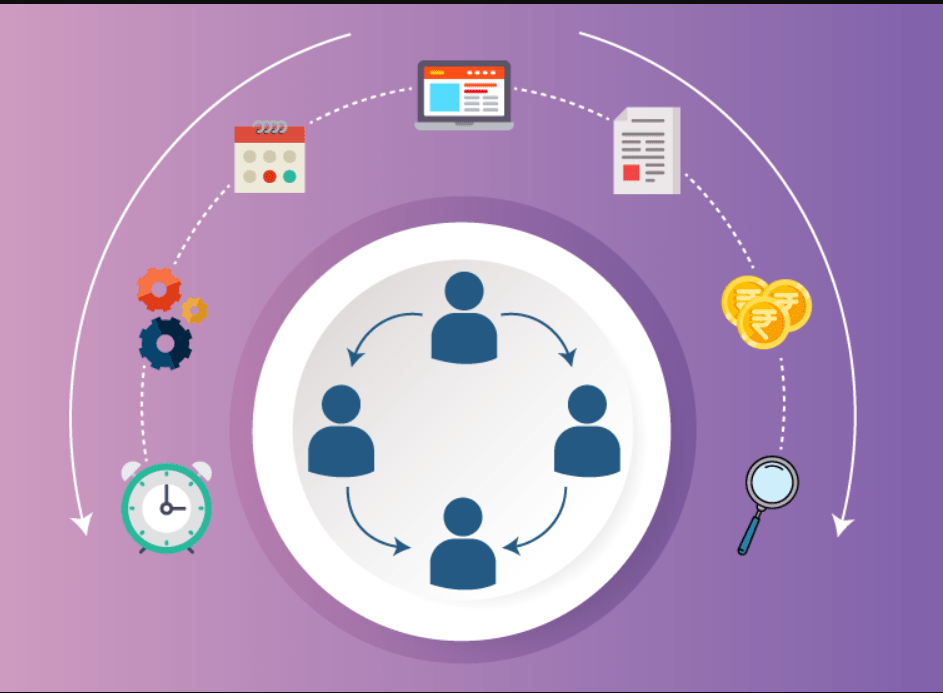
In a fast-paced, digital-first business world, departments like IT, HR, and Facilities face unique service challenges—but they often rely on fragmented tools to manage internal requests. From onboarding new employees to resolving technical issues or handling facility repairs, ticketing systems help keep internal operations flowing.
But what if all departments could manage these workflows through a centralized, scalable system—without purchasing expensive, one-size-fits-all software?
Enter Power Apps, Microsoft’s low-code development platform that empowers businesses to build custom applications, including robust ticketing systems. With help from expert Power Apps development solutions and the right strategy, organizations can scale their apps seamlessly across departments—bringing unity, visibility, and efficiency to internal operations.
The Challenge of Departmental Silos
Let’s consider a typical mid-sized organization:
-
IT uses one tool for help desk tickets
-
HR manages onboarding/offboarding through spreadsheets and email
-
Facilities handles maintenance requests via physical forms or standalone apps
These siloed systems not only slow down response times but also introduce errors, miscommunication, and data fragmentation. Leaders lack a consolidated view of departmental performance, and employees often don’t know where to go for help.
This is where Power Apps excels. With custom apps tailored to each team but built on a shared platform, businesses can drive true cross-functional harmony—without compromising on flexibility.
Why Power Apps for Ticketing Systems?
Power Apps offers a unique advantage by providing low-code, customizable app development that connects natively with Microsoft 365 and hundreds of other services.
Here’s why it's ideal for internal ticketing systems:
1. Department-Specific Customization
Each department can build its own version of a ticketing app with forms, approval workflows, and fields tailored to its needs—while still following organizational best practices.
2. Centralized Data with Dataverse
Using Microsoft Dataverse, data from multiple departments can be stored centrally and securely. This makes cross-departmental reporting and automation much easier.
3. Built-in Workflow Automation
Integrate with Power Automate to trigger reminders, escalations, and notifications—ensuring tickets don’t fall through the cracks.
4. Cost-Effective Scalability
Instead of paying for separate third-party tools for each department, organizations can develop and scale Power Apps with the support of a software development agency in the USA that specializes in Microsoft technologies.
How to Scale Your Power Apps Ticketing System Across Departments
Step 1: Start with One Department (Usually IT)
Many organizations begin their Power Apps journey with IT, where ticketing needs are well-defined. It’s a great pilot to test your app-building strategy and gain internal buy-in.
Step 2: Involve Stakeholders from HR and Facilities
Scaling isn’t just about duplicating the app—it’s about adapting it to other departments’ needs. HR, for instance, may need forms for onboarding or employee relations cases, while Facilities may need location-based service requests and asset tracking.
Step 3: Build Modular Components
Design your apps with scalability in mind. Use reusable components like a universal ticket dashboard, approval engines, and user authentication to keep consistency across departments.
Step 4: Integrate with Microsoft Teams
Most internal teams already work inside Microsoft Teams. Embedding your Power Apps ticketing system here makes access intuitive, boosts adoption, and ensures real-time collaboration.
Step 5: Leverage Power BI for Reporting
Once your ticketing system spans departments, use Power BI to track metrics like:
-
Average ticket resolution time
-
Departmental response rate
-
Escalation frequency
-
Employee satisfaction (CSAT) scores
This real-time visibility allows leadership to make informed decisions and allocate resources more effectively.
Real-World Use Case: A Multidepartment Rollout
Company Profile:
A 500-employee professional services firm in New York wanted to streamline service requests across IT, HR, and Facilities.
Challenge:
Fragmented tools caused delays in handling employee requests and poor visibility for managers.
Solution:
With help from a trusted software development agency in the USA, they created a modular Power Apps ticketing system:
-
IT Help Desk: Ticket intake, asset tracking, SLAs
-
HR Onboarding: New hire checklists, policy acknowledgements
-
Facilities Requests: Office maintenance, desk moves, safety concerns
Each department had custom views and workflows, but shared the same backend system and reporting engine. The system was rolled out department by department with user training and feedback loops built in.
Outcome:
-
43% reduction in average resolution time
-
100% increase in cross-departmental visibility
-
85% employee satisfaction rating on internal support
Benefits of a Unified Ticketing System
| Benefit | Description |
|---|---|
| Centralized Visibility | Leaders can track tickets across departments and analyze performance |
| Improved Employee Experience | Employees have one place to submit and track requests |
| Automation | Reduce manual work with workflows and alerts |
| Compliance & Auditing | Maintain logs, track issues, and ensure accountability |
| Scalability | Easily add new departments or processes without rewriting code |
Common Mistakes to Avoid
-
One-size-fits-all design: Each department has unique needs. Customize accordingly.
-
Skipping stakeholder input: Involve end users in every phase of design and testing.
-
Lack of training: A well-built app still fails if users aren’t trained.
-
Ignoring data governance: Plan your roles, permissions, and compliance from the start.
Partnering with a Power Apps development solutions provider ensures that your app is built with security, scalability, and usability in mind.
Future-Proofing Your Internal Operations
As your organization grows, your internal processes will too. A scalable Power Apps ticketing system gives you the flexibility to:
-
Add AI-driven chatbots for ticket routing
-
Include mobile support for field teams
-
Integrate with third-party systems (HRIS, ERP, etc.)
-
Create dashboards for executives and department heads
You’re not just solving today's problems—you’re building the infrastructure for future success.
FAQs: Scaling Power Apps Ticketing Systems
1. Can one Power App handle multiple departments?
Yes, Power Apps supports complex logic and role-based access, allowing one app to serve multiple departments with tailored interfaces and workflows. This approach streamlines maintenance and enhances data integrity.
2. What if our departments use different processes?
That’s exactly what Power Apps was built for. It supports modular development, so each department can have its own process while sharing the same platform and backend database. Engage a software development agency in the USA to help map and build these customized flows.
3. Is Power Apps secure enough for HR and sensitive data?
Absolutely. With proper configuration, Microsoft Power Platform ensures enterprise-grade security, including role-based access, Azure AD authentication, and data loss prevention policies. It’s critical to involve your IT/security team or a trusted Power Apps development solutions partner during setup.
4. Do we need developers to scale Power Apps?
Power Apps is designed for low-code development, but scaling across departments often requires architectural planning, database design, and integration expertise. This is where working with an experienced software development agency in the USA can ensure long-term success.
Conclusion: Build Once, Scale Smart
Power Apps is more than a tool—it’s a strategy. By building a modular, scalable ticketing system across IT, HR, Facilities, and beyond, you're not just improving processes—you’re future-proofing your organization.
With support from expert Power Apps development solutions and an experienced software development agency in the USA, your business can align departments, boost service quality, and improve the employee experience—all while reducing overhead.
The future of internal support isn’t in dozens of disconnected tools. It’s in one intelligent, scalable platform—and it starts with Power Apps.

 Arabic
 French
 Spanish
 Portuguese
 Deutsch
 Turkish
 Dutch
Dutch
 Italiano
 Russian
 Romaian
 Portuguese (Brazil)
 Greek
Greek