


How to Digitize Logo for Embroidery Without Losing Quality
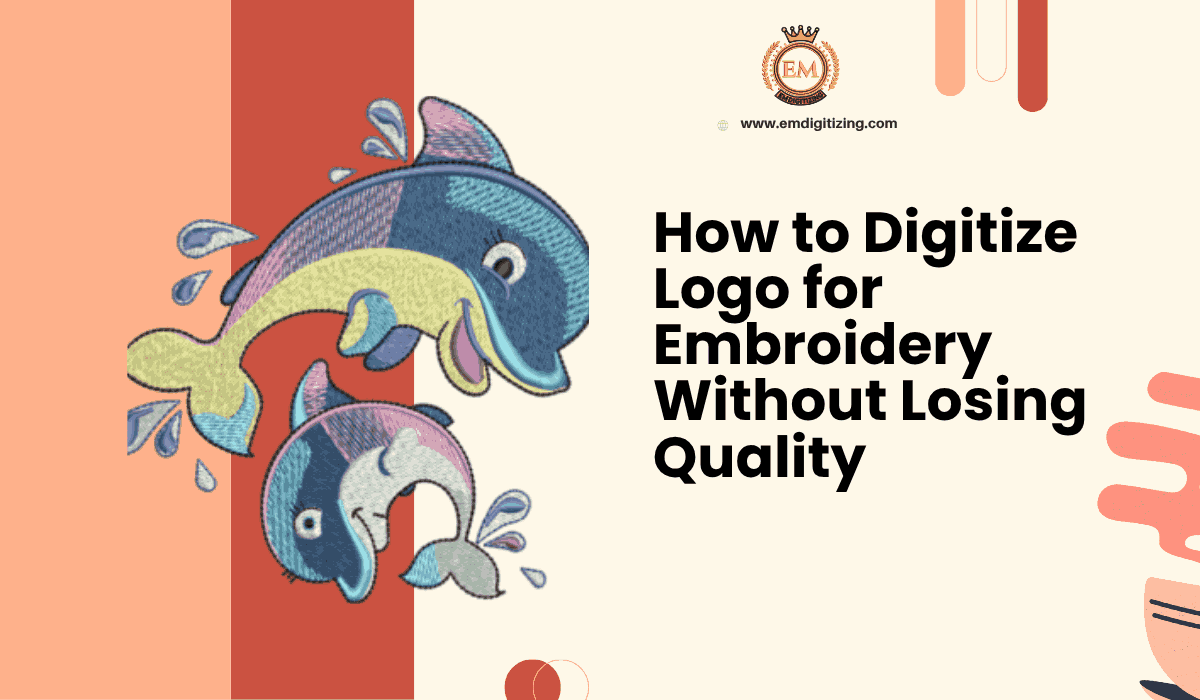
In today’s embroidery industry, precision and detail define the quality of every design. Whether you’re personalizing uniforms, promotional apparel, or brand merchandise, understanding how to digitize logo for embroidery is essential to maintain design integrity. Poorly digitized logos can lead to distorted shapes, incorrect colors, or uneven stitching issues that compromise professionalism. This guide explains how to digitize a logo for embroidery without sacrificing quality, ensuring sharp, clean, and consistent results every time.
Understanding the Process of Logo Digitization
Logo digitization is the process of converting a flat image or graphic into a digital embroidery file that machines can read. This file contains stitch instructions such as direction, density, and sequence to replicate the design on fabric accurately.
The challenge lies in converting a design that looks good on-screen into one that looks equally impressive in thread. Without proper attention to details like underlay, density, and stitch type, even the best-designed logos can lose clarity once embroidered.
Step 1: Choose the Right Software for Digitization
The first step to digitize logo for embroidery effectively is using professional-grade software. Options like Wilcom, Hatch, or Pulse provide advanced controls for editing stitch types, densities, and outlines.
Good software allows you to:
-
Adjust stitch direction for smooth transitions.
-
Set proper underlay stitching for stability.
-
Preview the design on simulated fabric to detect flaws before production.
Avoid free or basic digitizing tools if quality is your priority. While they can produce quick results, they lack the precision needed for professional-grade embroidery.
Step 2: Prepare the Logo Before Digitization
Before importing the logo into digitizing software, ensure the artwork is clean and clear. Blurry or pixelated images make it difficult to define borders and shapes accurately. Use vector files (like .AI, .SVG, or .EPS) whenever possible—they scale without losing quality.
Also, simplify overly complex designs. Intricate details may not translate well into stitches, especially on smaller logos. Clean edges and defined color boundaries ensure the embroidery looks sharp and professional.
Step 3: Select Appropriate Stitch Types
Different parts of a logo require different stitch types. Choosing the correct ones is vital to preserve design quality.
-
Satin Stitches: Ideal for borders, lettering, and narrow elements.
-
Fill Stitches: Suitable for larger areas or backgrounds.
-
Running Stitches: Used for outlines or fine details.
Balancing these stitch types enhances texture and dimension while keeping the logo visually appealing.
Step 4: Set Proper Stitch Density and Underlay
Stitch density determines how close the stitches are placed together. Too dense, and the fabric may pucker or the design may feel stiff; too light, and gaps may appear. Adjust density according to fabric type denser for sturdy materials like denim, lighter for delicate fabrics like silk.
Underlay stitching adds stability to the embroidery. It acts as a foundation layer, preventing distortion during stitching. Common underlay types include edge-run, zigzag, and center-run, each serving a specific purpose depending on design complexity.
Step 5: Match Thread Colors Accurately
Color consistency is crucial when you digitize logo for embroidery. Use a thread chart to match digital colors to actual thread shades. Small color mismatches can alter a brand’s appearance and reduce professionalism.
Additionally, avoid excessive color changes within one design—they increase production time and potential alignment issues. Group similar colors together to optimize efficiency without losing accuracy.
Step 6: Test the Design on Fabric
Before final production, always perform a test run. Stitch the logo on a sample fabric similar to your target material. This helps you evaluate stitch alignment, color accuracy, and overall appearance.
During testing, check for:
-
Thread breaks or tension issues.
-
Unwanted puckering or pull compensation errors.
-
Letter clarity, especially for small text.
Refine the file as needed until the embroidery output matches the original design perfectly.
Step 7: Optimize for Different Fabric Types
Every fabric behaves differently during stitching. A logo that looks perfect on cotton may distort on stretchy materials like polyester. Adjust stitch type, density, and underlay for each fabric category.
For instance:
-
Knits: Require more underlay for stabilization.
-
Denim: Handles higher stitch density.
-
Caps or hats: Need special attention to curvature and alignment.
By tailoring the design for specific materials, you prevent deformation and ensure consistent quality across all applications.
Step 8: Focus on Lettering and Small Details
Text elements often lose sharpness if not digitized properly. Always ensure minimum text height (usually 0.25 inches) for readability. Use satin stitches for small letters and adjust spacing to prevent thread merging.
Avoid using thin fonts, as they may not translate well into embroidery. Instead, choose bold and simple styles that hold their shape when stitched.
Step 9: Maintain Proper Stitch Flow and Direction
The stitch flow how stitches move across the design—significantly affects texture and clarity. Consistent stitch direction ensures even coverage and smooth transitions between elements.
Plan the sequence carefully to minimize jump stitches (when the needle moves without stitching) and prevent thread buildup. This makes the design neater and production faster.
Step 10: Review and Save in Correct File Formats
Once your logo is finalized, save it in machine-compatible formats such as DST, PES, EXP, or JEF. Each embroidery machine brand uses specific formats, so ensure compatibility with your production setup.
Also, keep a master EMB or native file for future edits. It allows you to adjust details without starting the digitization process from scratch.
Tips to Maintain Quality While Digitizing
-
Avoid over-complicating small designs—simplify details.
-
Always scale logos proportionally to avoid distortion.
-
Use high-quality thread for consistent color output.
-
Regularly update your digitizing software for new features.
Professional embroidery digitizing services often follow these same principles to ensure every stitch reflects the design’s intended quality.
Why Quality Digitization Matters
Quality digitization ensures brand consistency, durability, and aesthetic appeal. Poorly digitized logos may unravel, misalign, or lose definition after multiple washes, harming brand reputation.
Businesses investing in professional digitizing services gain long-term value through:
-
Fewer production errors.
-
Consistent branding across all materials.
-
Faster turnaround time during embroidery runs.
Good digitization isn’t just a technical step—it’s an art that defines how the final embroidered product represents your brand identity.
Conclusion
Learning how to digitize logo for embroidery without losing design quality is crucial for anyone serious about producing professional results. From choosing the right software to perfecting stitch density, each step influences the final output. The difference between a clean, well-stitched logo and a distorted one often lies in attention to these technical details.
If you want precise, reliable, and affordable digitization, Emdigitizing ensures your designs are transformed into flawless, production-ready stitch files that reflect true quality.
FAQs
Q1: What file format is best to start digitizing a logo?
Vector files like AI, EPS, or SVG are ideal since they provide sharp edges and easy scalability without losing quality.
Q2: How long does it take to digitize a logo for embroidery?
Depending on complexity, it usually takes 1–3 hours. Intricate logos with gradients or fine details may require more time.
Q3: Can all types of images be digitized for embroidery?
Yes, but low-resolution or overly detailed images may need simplification before conversion.
Q4: Is it better to hire professionals for logo digitization?
Yes. Professionals ensure precise stitch mapping, correct densities, and optimized results suitable for your specific fabric type.
Q5: How can I test my digitized logo before mass production?
Run a sample embroidery test on similar fabric to evaluate alignment, density, and overall appearance before final production.

 English
 Arabic
 French
 Portuguese
 Deutsch
 Turkish
 Dutch
Dutch
 Italiano
 Russian
 Romaian
 Portuguese (Brazil)
 Greek
Greek