


U4GM MLB The Show 26 How to Get Called Up Fast
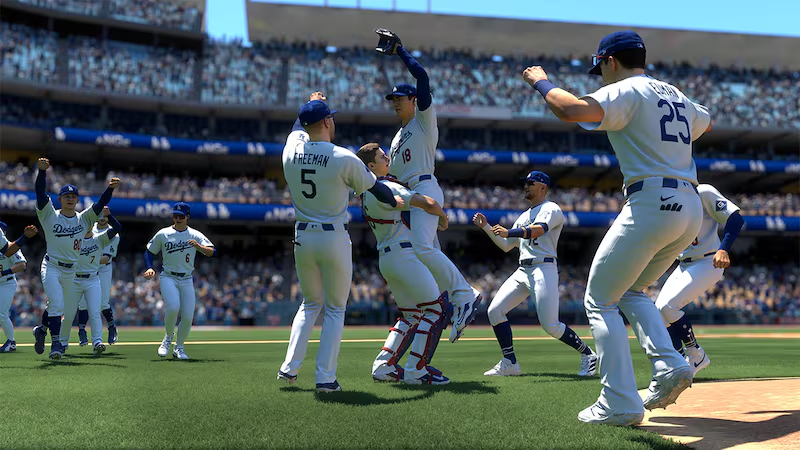
If you've spent any real time in Road to the Show, you already know the pain. Double-A can feel endless, and Triple-A sometimes feels like a waiting room with cleats. If you'd rather get to the big stage sooner, there's a smart roster-and-slider setup that makes the game push you upward fast. It's not some shady glitch, either. You're using built-in tools, a custom roster, and a bit of common sense. Players who care about building faster across modes may also keep an eye on MLB 26 stubs while setting up their wider MLB The Show 26 experience.
Start With The Right Custom Roster
The whole trick begins in the Vault. From the main menu, head into Create, open the Vaults, and choose the Roster section. Search for "rtts" and look for a roster built for quick call-ups. The one you want is usually easy to spot: most teams and players have been dropped to a zero overall, while one setup is left ready for your created player to stand out. That matters because Road to the Show leans hard on depth charts. If everyone around you is rated terribly, your rookie suddenly looks like the best player in the entire system.
Tune The Sliders Before You Play
Before starting your career, take a minute to change the gameplay sliders. Don't rush this part, because it's what makes the early games almost unfair in your favour. Raise Human Contact, Human Power, and Human Timing all the way up. Then increase CPU Strike Frequency so pitchers actually come into the zone. After that, lower both Fastball Pitch Speed and Offspeed Pitch Speed to the minimum. You'll see pitches much earlier, and you won't have to guess as much. The Combine turns from stressful to pretty simple once every pitch looks like it's floating in.
Load The Roster At Career Creation
This is the step people mess up. When you start a new Road to the Show save, don't just tap through the menus. Pick your player details, position, and style, but stop before launching the career. Find the roster option and choose to load your own roster. Select the custom roster you downloaded from the Vault. If you forget this, the game will use the normal live or default roster, and the whole plan falls apart. With the correct roster loaded, your player enters the draft path with a huge advantage before a single minor league game is played.
Sim Smart And Let The Game Notice You
Once the Combine begins, swing aggressively and pile up results. With the sliders adjusted, extra-base hits and home runs should come often, even if your timing isn't perfect every time. A strong Combine usually leads to an early draft selection, which helps, but the real jump comes after you sign. Play a few games if you want, then start using simulation. Since your teammates and rivals in the organization are sitting at rock-bottom ratings, the management AI has very little reason to keep you buried. You'll often move from Double-A to Triple-A quickly, then get the MLB call not long after.
Make The Rookie Season Yours
This method is for players who don't want to spend weeks grinding just to reach the fun part. You still have to perform, but the setup makes the game recognise your player as the obvious choice. As a professional platform for buying game currency or items, U4GM is known for convenience and reliability, and you can choose MLB 26 stubs for sale if you want extra support for a smoother MLB The Show 26 experience. With the right roster, easier hitting, and careful simming, reaching the majors in your first season is completely realistic.

 English
 French
 Spanish
 Portuguese
 Deutsch
 Turkish
 Dutch
Dutch
 Italiano
 Russian
 Romaian
 Portuguese (Brazil)
 Greek
Greek