


How to Use Snapchat AI Features Like a Pro (2026 Guide)
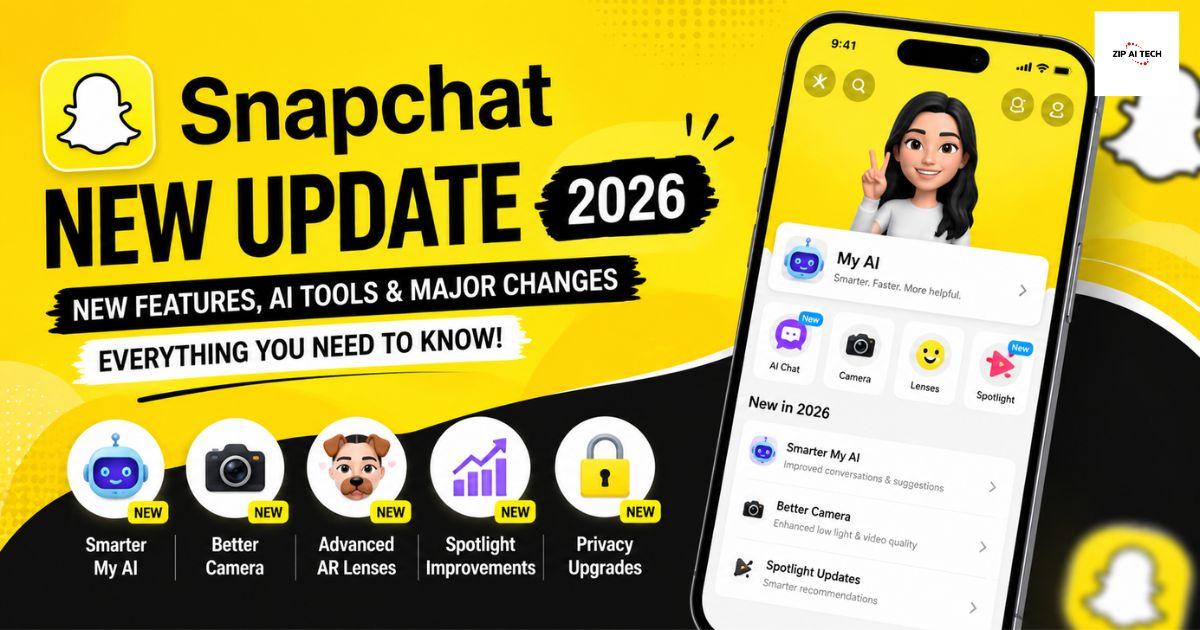
Snapchat has evolved from a simple photo-sharing app into a smart social platform packed with intelligent features that make communication, content creation, and discovery easier than ever. Whether you're creating Stories, chatting with friends, or experimenting with creative lenses, Snapchat's AI-powered tools can help you save time and produce better content.
If you've only used Snapchat for sending Snaps, you're missing out on many useful features. This guide explains how to use Snapchat AI features like a professional, along with practical tips to improve your overall experience.
What Are Snapchat AI Features?
Snapchat AI features are intelligent tools designed to help users create, edit, and communicate more efficiently. These features analyse your input and provide suggestions, creative ideas, image enhancements, and interactive conversations.
Instead of manually editing every photo or thinking of captions, Snapchat can assist with many everyday tasks, making the app faster and more enjoyable to use.
Key Snapchat AI Features
1. My AI Chat Assistant
One of the most popular Snapchat features is My AI. It works like a personal assistant directly inside your chat list.
You can use it to:
- Get quick answers
- Brainstorm ideas
- Ask for travel suggestions
- Plan events
- Create captions
- Generate creative messages
- Learn new information
Instead of opening a search engine, simply ask My AI your question and receive an instant response.
2. AI Image Generation
Snapchat allows users to create unique images using text prompts.
Simply describe what you want, such as:
- futuristic city at sunset
- magical forest
- cyberpunk street
- cartoon puppy wearing sunglasses
Within seconds, Snapchat generates original artwork based on your description.
This feature is perfect for:
- Story backgrounds
- Creative posts
- Profile images
- Fun experiments
3. AI Caption Suggestions
Writing captions can sometimes be difficult.
Snapchat AI can recommend captions that match the mood of your photo.
Whether your Snap is:
- funny
- romantic
- motivational
- travel-related
- aesthetic
the AI provides multiple caption ideas that save time.
4. Smart Camera Recommendations
Snapchat analyses your environment and suggests:
- filters
- lenses
- effects
- animations
This helps users create more engaging Snaps without manually browsing hundreds of options.
5. AI Photo Enhancements
A dull photo can quickly become more attractive using Snapchat's intelligent editing tools.
AI can automatically improve:
- brightness
- contrast
- colour balance
- sharpness
- lighting
The result looks more polished while requiring minimal editing.
6. AI-Powered Bitmoji
Snapchat continuously improves Bitmoji using AI.
It can recommend:
- outfits
- expressions
- poses
- backgrounds
Your Bitmoji becomes more personalised and expressive based on your activity.
How to Use Snapchat AI Like a Professional
Ask Better Questions
The quality of AI responses depends on your prompts.
Instead of asking:
"Give me a caption."
Try:
"Write a funny beach caption under 15 words."
Specific prompts produce much better results.
Use AI Before Posting Stories
Before uploading a Story, ask My AI to suggest:
- hashtags
- captions
- emojis
- posting ideas
A few seconds of preparation can make your content more engaging.
Generate Creative Ideas
Content creators often run out of ideas.
Ask Snapchat AI questions like:
- Give me five Story ideas.
- Suggest viral selfie captions.
- Recommend travel photo themes.
- Create birthday message ideas.
The AI can quickly generate fresh inspiration.
Experiment with Image Prompts
Instead of simple prompts, include extra details.
Example:
"A futuristic skyline at night with neon lights reflected on a river in cinematic style."
Detailed prompts usually create more interesting images.
Combine AI With Manual Editing
AI provides a strong starting point, but professionals usually make final adjustments themselves.
After generating content:
- adjust colours
- crop images
- change text
- add stickers
- personalise captions
This creates a unique final result.
Snapchat AI Tips Most Users Don't Know
Save Great AI Responses
If My AI gives an excellent caption or travel itinerary, save it for future use.
Personalise Conversations
The more naturally you chat with My AI, the better it can adapt to your preferences during the conversation.
Explore New Lenses Regularly
Snapchat frequently introduces new AI-powered lenses.
Checking the Lens Explorer often helps you discover trending effects before they become widely used.
Use AI for Event Planning
Planning:
- birthdays
- holidays
- road trips
- dinner parties
Ask My AI to organise schedules, suggest activities, or recommend conversation starters.
Privacy Tips When Using Snapchat AI
Although AI features are helpful, users should always protect their privacy.
Avoid sharing:
- passwords
- banking information
- personal identification numbers
- confidential documents
- sensitive personal details
Treat AI conversations with the same care you would use on any online platform.
Common Mistakes to Avoid
Many users don't get the best experience because they:
- use very short prompts
- ignore AI updates
- rely entirely on generated content
- skip privacy settings
- never explore new features
Learning how each feature works unlocks much more value.
Benefits of Snapchat AI Features
Using Snapchat AI can help you:
- create better content faster
- improve photo quality
- write engaging captions
- discover creative ideas
- simplify daily conversations
- make Stories more attractive
- save editing time
- enjoy a more personalised experience
Whether you're a casual user or a content creator, these tools can significantly improve your workflow.
Frequently Asked Questions
Is Snapchat AI free?
Many AI features are available without additional cost, while some advanced capabilities may require a premium subscription depending on your region and account.
Can Snapchat AI create images?
Yes. Snapchat supports AI-generated artwork from text descriptions, allowing users to create original visuals for Stories and posts.
Is Snapchat AI safe?
Snapchat includes privacy controls, but users should avoid sharing sensitive or confidential information when interacting with AI features.
How can I improve AI results?
Use clear, descriptive prompts with specific details instead of short or vague requests. The more context you provide, the more useful the response is likely to be.
Final Thoughts
Snapchat's AI features have transformed the app into more than just a messaging platform. From generating creative images and writing captions to improving photos and offering personalised assistance, these tools can make your experience more productive and enjoyable.
The best way to use Snapchat AI like a pro is to experiment with different prompts, combine AI suggestions with your own creativity, and stay up to date with new features as they are released. By using these tools thoughtfully, you can create more engaging content, save time, and get much more out of every Snap.

 English
 Arabic
 French
 Spanish
 Portuguese
 Deutsch
 Dutch
Dutch
 Italiano
 Russian
 Romaian
 Portuguese (Brazil)
 Greek
Greek