


How to Combine Multiple ICS Files Into One? Effortlessly
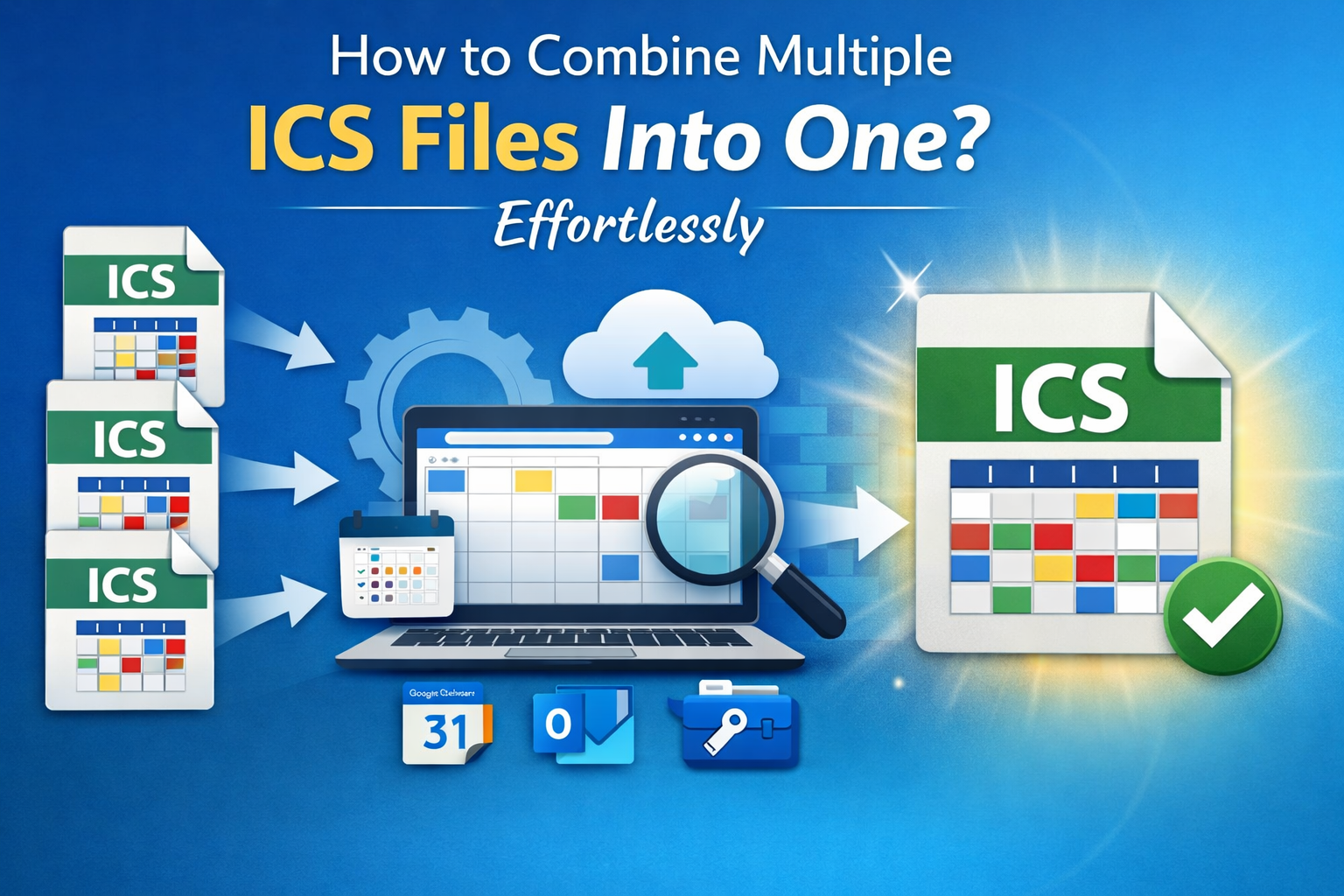
Calendar data are in the form of ICS files, especially when the events are exporting from Google Calendar, Outlook, Apple Calendar, or third party tool. But managing multiple ICS files separately becomes confusing and difficult. Due to this issue, users want a quick and reliable solution to know how to combine multiple ICS files into one calendar file.
Here, you will get to learn different methods to merge ICS files safely and easily. Each method is explained in brief for clear and better knowledge.
Why Do You Need to Merge ICS Files Into One File?
In this section, you will get to know the importance of merging ICS files into one ICS file with the given reasons:
-
When you need to manage calendar from multiple email accounts
-
For consolidating team schedules into one calendar
-
Combining ICS files helps users to migrate data between calendar platforms.
-
When you need to back up multiple calendars in a single file.
Combine ICS Files Via Text Editor App
This method is useful and simple when you need to merge ics files into one single file using the steps given:
-
Firstly, open the first ICS file using a text editor like Notepad or Notepad++.
-
Then, keep the content starting from BEGIN:VCALENDAR to END:VCALENDAR.
-
Now you need to open the second ICS file in another tab.
-
Next, copy only the event blocks (BEGIN:VEVENT to END:VEVENT).
-
Now, paste those event blocks into the first file before END:VCALENDAR.
-
Then, repeat the process for all remaining ICS files.
-
Finally, save the merged file with a new name.
Merge Multiple ICS Files Using Google Calendar
Google Calendar allows importing multiple ICS files, which can then be exported as a single file using this method with its given steps:
-
Open the Google Calendar application and go to the Settings.
-
Now, click on the Import & Export.
-
Then, import the first ICS file into a new calendar.
-
Now, repeat the import process for all other ICS files into the same calendar.
-
At last, when the ICS files are merged, export that calendar as a single ICS file.
Combine the ICS Files Using Microsoft Outlook
While merging, Outlook can also help to consolidate ICS files into one calendar. To use this method, you can follow the steps given below.
-
First, open the Microsoft Outlook application on your system
-
Then, Go to File > Open & Export > Import/Export
-
Now, import each ICS file into the same calendar.
-
Finally, after all events are merged, export the calendar as a single ICS file.
Merge Multiple ICS Files Using Apple Calendar
With this method, Mac users can depend on Apple Calendar to merge ICS files without any loss using the accurate steps which are as follows:
-
Open the Apple Calendar on your device
-
Then, import each ICS file into the same calendar.
-
Now you need to verify that all events appear correctly.
-
At last, export the calendar as a single ICS file.
Combine the ICS File Using the Proficient Solution
When dealing with multiple or large ICS files, manual methods become inefficient and do not work perfectly. This is where an automated solution becomes important to use. The SysTools ICS Merger Software comes in as a savior to merge multiple files into one ICS file for accuracy and integrity. This tool also as easy to use interface for both beginners and professionals. To learn more about this specialized tool, use the steps as it will give youa better understanding:
-
First, download and install the software
-
Then, click on the Add multiple ICS files or folders option
-
Now, after inserting the ICS file, preview the calendar events before merging.
-
Then, choose the destination location to save the output file
-
At last, click on the Merge option to create a single ICS file.
Key Features Of this Robust Tool
Below are some of the advantages of this tool, which help users to combine multiple files into one file:
-
It helps to combine unlimited ICS files into one
-
Provide help to Maintains original calendar structure
-
This tool supports all major calendar platforms
-
It is compatible to Eliminates duplicate events
-
Offers a simple and easy-to-use interface
Conclusion
Here, you have learned how to combine multiple ICS files into one file for easy management of data accuracy with the help of many user-friendly ways, with its steps. Also mentioned a pro utility for users who need a quick solution to merge their multiple files hassle-free without any data loss.

 Arabic
 French
 Spanish
 Portuguese
 Deutsch
 Turkish
 Dutch
Dutch
 Italiano
 Russian
 Romaian
 Portuguese (Brazil)
 Greek
Greek