


Office 365 Tenant to Tenant Migration: Key Questions Businesses Ask Before Making the Move
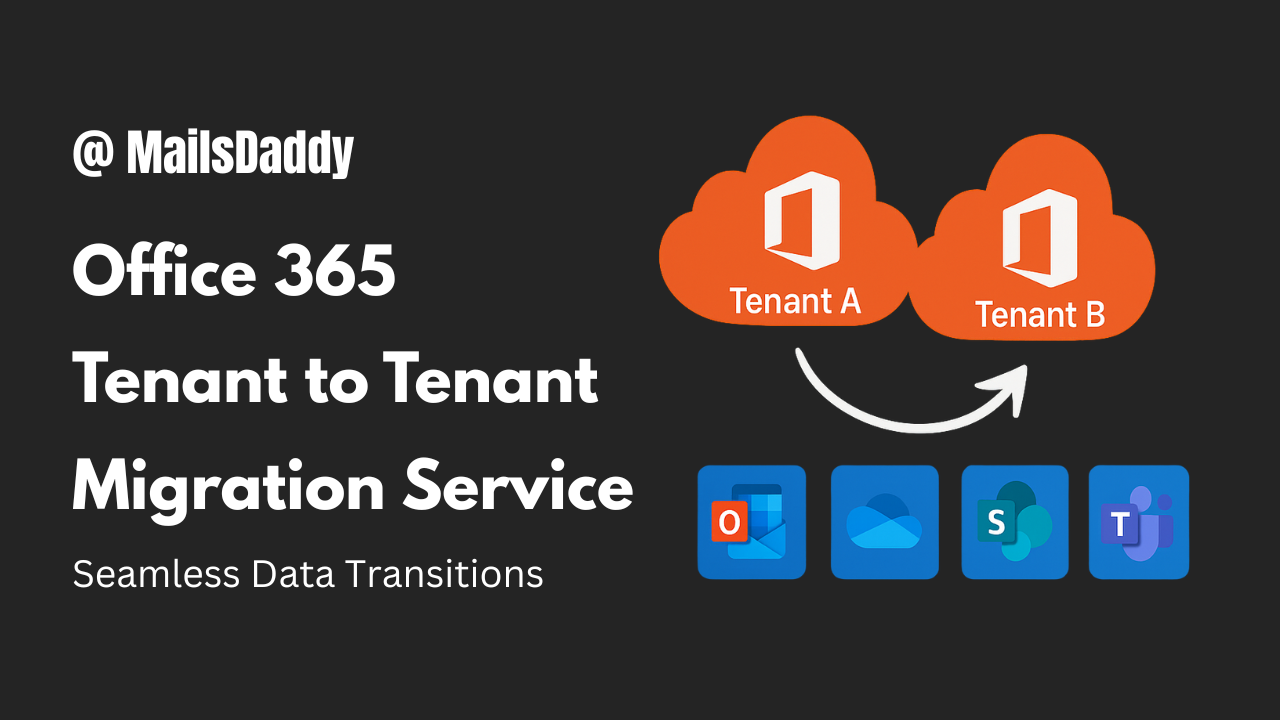
Office 365 tenant to tenant migration is the process of transferring users, mailboxes, files, and collaboration data from one Microsoft 365 tenant to another. Each tenant is a separate cloud environment with its own domains, users, licenses, and security settings. When organizations restructure or consolidate IT environments, data must be moved between these tenants carefully.
This migration typically includes Exchange Online mailboxes, OneDrive for Business data, SharePoint sites, Microsoft Teams, and Microsoft 365 Groups. Because tenant-level dependencies are involved, the process requires more planning than standard mailbox migration.
Why Do Organizations Need Tenant-to-Tenant Migration?
Businesses usually require tenant migration during major operational changes, such as:
-
Mergers and acquisitions
-
Company rebranding or domain changes
-
Tenant consolidation after growth
-
Divestment or organizational separation
-
Compliance or security restructuring
In all these cases, organizations must ensure data continuity while minimizing disruption to users.
What Makes Tenant Migration So Challenging?
Tenant-to-tenant migration is one of the most complex Microsoft 365 operations due to several technical and administrative limitations.
Common challenges include:
-
Domains can only be assigned to one tenant at a time
-
Advanced PowerShell scripting is often required
-
Microsoft Teams chat migration is not fully supported manually
-
SharePoint and OneDrive permissions can break
-
Large migrations are affected by Microsoft throttling
-
Manual monitoring and error handling are difficult
These challenges make manual migration risky, especially for large organizations.
Is Manual Tenant Migration a Reliable Option?
Manual migration using Microsoft’s native tools may work for small test environments. However, for production environments, it introduces multiple risks:
-
High chance of configuration errors
-
Extended migration timelines
-
Incomplete Teams and Groups migration
-
Potential email downtime
-
Heavy dependency on technical expertise
For this reason, most enterprises choose an automated or managed approach.
How Does MailsDaddy Cross-Tenant Migration Service Help?
The MailsDaddy Cross-Tenant Migration Service provides a secure, automated, and fully managed solution for Office 365 tenant to tenant migration. It is designed to remove complexity and ensure business continuity.
Data Types Supported
-
Exchange Online mailboxes and archives
-
OneDrive for Business data
-
SharePoint Online sites and libraries
-
Microsoft Teams chats, channels, and files
-
Microsoft 365 Groups
-
Public folders
All data is migrated with structure, metadata, and permissions preserved.
What Is the Migration Process Like?
Assessment & Planning
The service begins with a complete analysis of both tenants, identifying users, domains, permissions, and data volumes.
Domain & Identity Preparation
Domains are carefully detached from the source tenant and reattached to the destination tenant at the right time to avoid email disruptions.
Automated Secure Migration
Using OAuth-based authentication, MailsDaddy migrates data securely without requiring manual exports or scripts.
Incremental Sync
Any new or updated data created during migration is synced before final cutover.
Cutover & Validation
Mail flow is redirected to the new tenant, and data integrity is verified.
What Are the Benefits for Businesses?
Organizations using MailsDaddy benefit from:
-
Zero downtime for end users
-
No data loss
-
Faster migration timelines
-
Reduced IT workload
-
Enhanced security and compliance
-
Scalable solution for any organization size
Final Thoughts: Making the Right Migration Choice
Microsoft 365 tenant to tenant migration is a critical operation that affects communication, collaboration, and business continuity. While manual methods may appear cost-effective, they introduce risks that most organizations cannot afford.
The MailsDaddy Cross-Tenant Migration Service offers a reliable, secure, and efficient way to move between Microsoft 365 tenants without downtime or data loss.

 English
 Arabic
 French
 Spanish
 Portuguese
 Deutsch
 Turkish
 Dutch
Dutch
 Russian
 Romaian
 Portuguese (Brazil)
 Greek
Greek